
With global digital transformation showing no signs of slowing down, the demand for secure and flexible e-signature platforms continues to rise. A recent report revealed that the e-signature market is projected to hit $70.24 billion by 2030, mainly driven by growing remote teams and stricter compliance regulations. Another study indicated that over 79% of agreements are completed within 24 hours when an electronic signature system is in place.

This suggests that companies now look for affordable e-signature solutions that match their specific team size, industry, and document volume. But with so many e-signature pricing models available, picking one can easily feel more complicated than it needs to be.
This blog breaks down the different e-signature costs, explains digital signature pricing in India for various user types, and helps you compare the best e-signature software pricing available right now. If you’re comparing e-signature plans, this is where you start.
Understanding E-Signature Technology in 2026
E-signatures, short for electronic signatures, are digital representations of a person’s intent to approve, sign, or consent to the contents of a document or transaction. Liveness detection refers to a security feature used in identity verification that checks if a person interacting with a system is physically present and not a static image, recording, or deepfake.
In 2026, e-signature tools serve as secure digital checkpoints, featuring biometric authentication and multi-factor verification. Liveness detection enables companies to confirm that the signer is a real, live person, thereby saving time, reducing paperwork, and lowering the risk of errors or fraud.
That’s why digital identity verification methods such as video confirmation and face match have become almost standard in high-trust industries like finance, law, e-commerce, and healthcare.
Key components of modern e-signature solutions
Modern e-signature platforms come loaded with smart tools that meet today’s enterprise needs. Let’s walk through the key elements that actually matter in a robust, secure setup:
Scalability, security, and compliance for enterprise workflows
One of the most critical features of any enterprise-grade e-signature solution is support for high-volume workflows that can handle thousands of transactions without system slowdowns or downtime.
You’ll also find features like audit trails, encryption, and compliance with global e-signature laws, which are essential in sectors where trust and traceability are crucial. These tools are now capable of working seamlessly across teams, departments, and even borders, without any compromise on security or speed.
Deployment models: Cloud vs. on-premises
When choosing between cloud-based and on-premises deployment, companies often look at factors like data privacy needs, internal IT capabilities, and regulatory restrictions. For example, a healthcare provider handling patient records may go for an on-premises setup to keep all data within its own servers.
Similarly, a tech startup scaling quickly may prefer a cloud-first approach for faster rollout and easier updates. There’s no standard approach here, but each model comes with its own strengths depending on the use case.
Seamless integration with existing systems
Finally, the ability to plug into existing systems is what sets a good tool apart from a great one. Leading platforms today offer integration with software ecosystems like CRMs, ERPs, HR platforms, and even custom-built apps.
This means users can launch and track digital signatures without switching tools, saving time and reducing steps in already-busy workflows. Most importantly, this helps teams avoid process silos and stay productive within the apps they already use every day.
Comprehensive Guide to E-Signature Pricing Models
Understanding the various pricing structures helps in choosing a plan that aligns with your organization’s needs and budget. Let’s explore the primary e-signature pricing models available today:
Per signature pricing model
The per-signature pricing model charges fees based on the number of signatures collected, regardless of the number of documents involved. This model is straightforward and cost-effective for businesses with low signing volumes.
However, it can become expensive for organizations with high signing needs, as costs accumulate with each signature. For instance, providers like DocuSign have been reported to charge up to £12 per 5 envelopes, which can add up quickly for frequent users. Therefore, this model is best suited for occasional users or small businesses with limited signing requirements.
Per document pricing model
Under the per-document pricing model, businesses are charged based on the number of documents sent for signing, irrespective of the number of signers per document. This model offers cost savings for organizations that require multiple signatures on a single document.
For example, emSigner Bharat eSign offers Aadhaar-based e-signatures at ₹75 per envelope, making it an economical choice for businesses in India with moderate signing volumes. This model is ideal for companies with high-volume signing needs, as it provides predictability in costs.
Per user licensing model
The per-user licensing model charges a fixed fee per user, granting them access to unlimited signatures and documents. This model is advantageous for organizations with consistent signing needs across multiple users.
For example, eSign Digital offers a standard plan at $37/month per user, providing features like two-factor authentication and document templates. This model is best suited for businesses with a large number of users requiring regular access to e-signature functionalities.
Prepaid document packages
Prepaid document packages involve paying upfront for a set number of documents to be signed within a specified period. This model is beneficial for businesses with seasonal or predictable signing requirements, as it allows for cost savings and budgeting.
For instance, SignRequest offers a prepaid bundle at €500 for 5,000 documents, providing flexibility without the commitment of a subscription. This model is ideal for companies with fluctuating signing volumes, as it offers scalability and cost control.
Hidden costs and considerations
When evaluating e-signature providers, consider potential hidden costs that may affect the overall pricing. These can include fees for:
- API access
- Advanced authentication methods
- Storage limitations leading to overage fees
- Compliance certification costs, such as HIPAA or GDPR
Additionally, some providers operate on a credit-based system, where users purchase credits to cover signatures or documents, requiring careful budgeting to avoid unexpected expenses.
In India, 63% of online banking users reported having to pay hidden charges that were not disclosed upfront but were debited from their accounts later, highlighting the importance of thoroughly reviewing contract details before committing.
Comparative Analysis of Top E-Signature Providers in 2026

As digital transformation accelerates, choosing the right e-signature solution is crucial for businesses aiming to streamline operations and ensure compliance. In this section, we’ll provide a comparative analysis of the leading e-signature providers in 2025:
Market leaders overview
Let’s start with the overviews of the leading market players.
1. HyperVerge
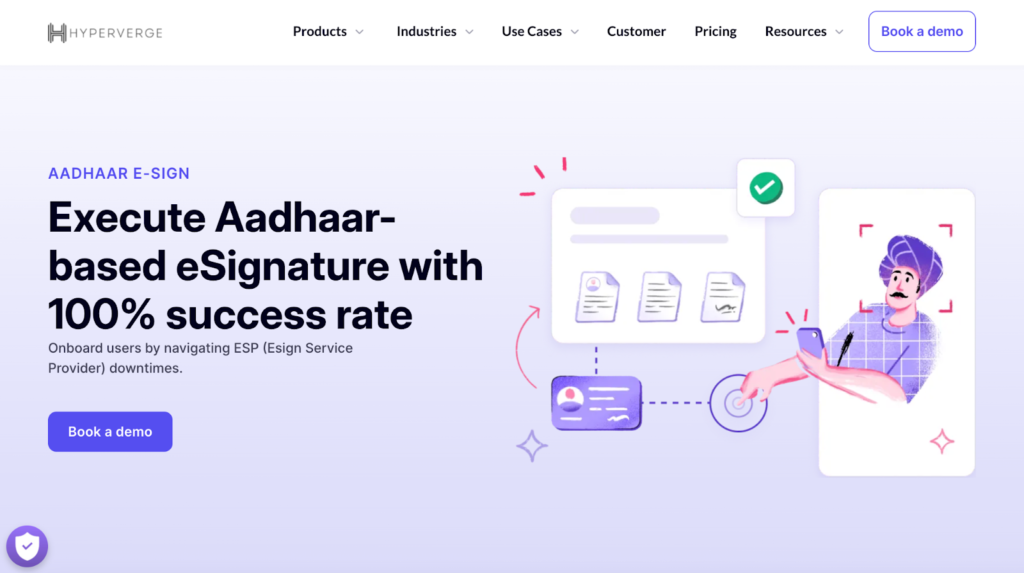
HyperVerge offers a highly reliable Aadhaar e-sign solution with a near-perfect success rate for OTP-based signing. It handles service provider downtimes smartly by automatically switching users to backup vendors, which helps reduce user drop-offs during the signing process.
Here’s what sets HyperVerge apart:
- Automatically detects eSign service provider downtimes and redirects users to backup vendors such as NSDL, Protean, Verasys, and CDSL to ensure uninterrupted signing.
- Performs Aadhaar name authentication before eSign execution to prevent identity fraud.
- Customizable fallback vendor order, allowing clients to prioritize based on uptime SLAs.
- Handles OTP delays and validation failures with backup vendors to avoid incomplete validations.
- Integrates easily with existing workflows through a plug-and-play module.
HyperVerge fits exceptionally well in industries like securities, brokerage, and lending. For example, it handles eSign KYC forms and Demat account openings for brokers, along with loan agreement signings and bulk eSign requests for lending institutions. Its flexibility allows clients to customize fallback vendor orders based on uptime preferences, giving businesses more control over reliability.
Beyond e-signatures, HyperVerge offers a range of modules, including bank account verification, income validation, account aggregation, auto-debit setup, bank statement analysis, and wet signature optimization, achieving over 90% accuracy. These tools work together to minimize drop-offs and speed up user onboarding in financial services, making the entire process more trustworthy and user-friendly.
| Verify identities with AI-powered precisionGet started today! |
2. DocuSign
DocuSign’s eSignature solution helps companies speed up agreements through features designed for convenience and security. The platform supports signing from anywhere and provides tools that guide users through sending and receiving signatures with ease.
Customers also benefit from over 1,000 pre-built integrations with everyday apps like Salesforce, Microsoft, Google, and Zoom. These connections allow users to manage agreements without jumping between tools.
3. Adobe Sign
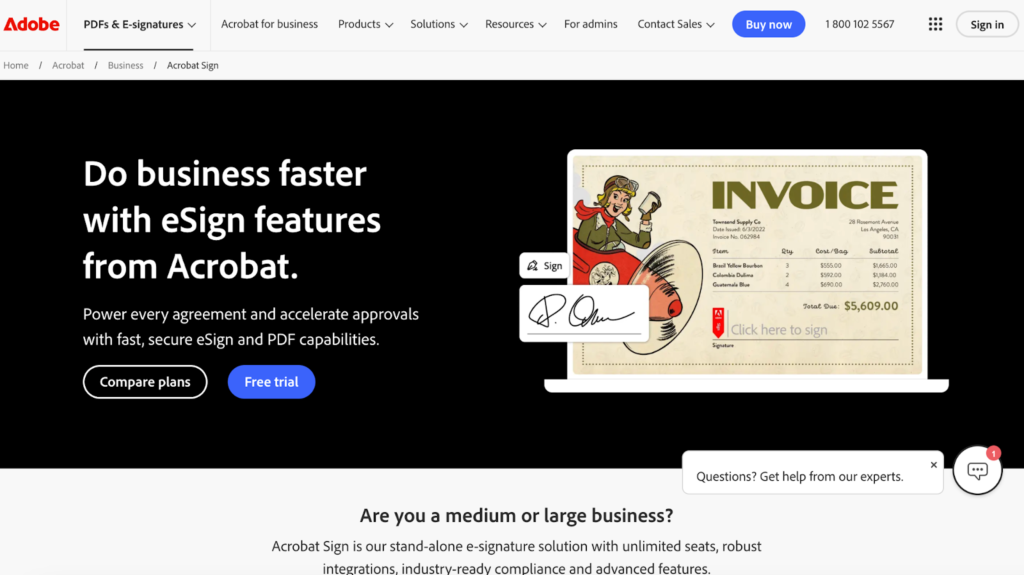
Many businesses speed up approvals and complete agreements faster using Adobe’s eSign features combined with Acrobat’s PDF tools. Acrobat Sign caters to medium and large companies by offering unlimited seats, robust integrations, and advanced features designed to meet industry compliance demands.
Additionally, the central Admin Console helps assign, reassign, and track licenses while keeping billing predictable for businesses of any size. It supports secure, accessible document handling and powers more than 320 billion PDFs opened or created in the past year alone.
4. Zoho Sign
If you still rely on paper-based signatures for business, switching to Zoho Sign can save you time and effort. You can sign, send, and manage documents from anywhere using a simple, secure digital signature tool built for teams.
Some of its core features include easy eSignature collection from multiple signers, integration with everyday business apps, and automated workflows that reduce manual work. It’s fast, legal, and works perfectly at any scale.
5. Boldsign
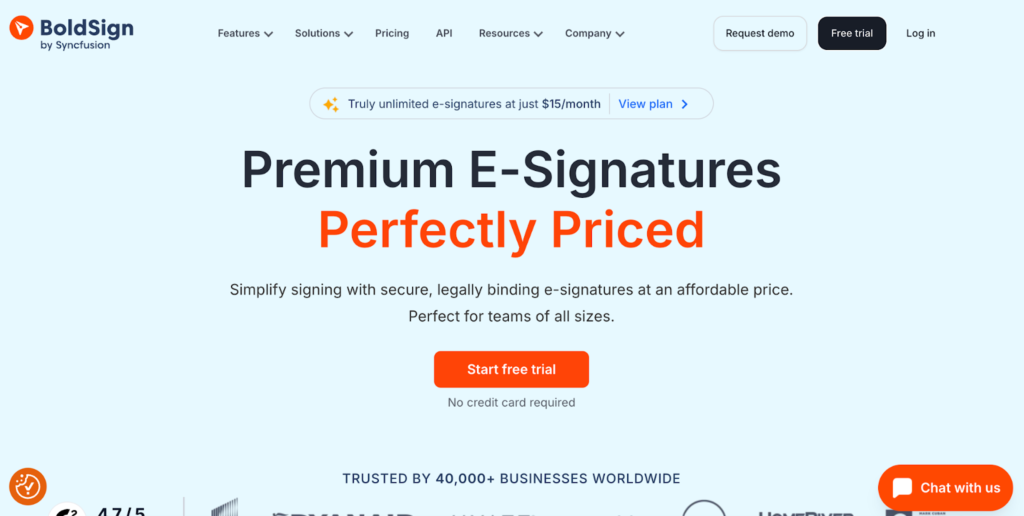
BoldSign offers a secure eSignature solution designed to make signing documents easy for teams of all sizes. You can send your first document for signing in less than five minutes with a simple and intuitive app.
It offers fast API integration built to handle millions of documents, along with identity verification through government ID and biometric checks. You also get custom branding options, while every document stays legally valid and protected with strong security features.
6. Certinal
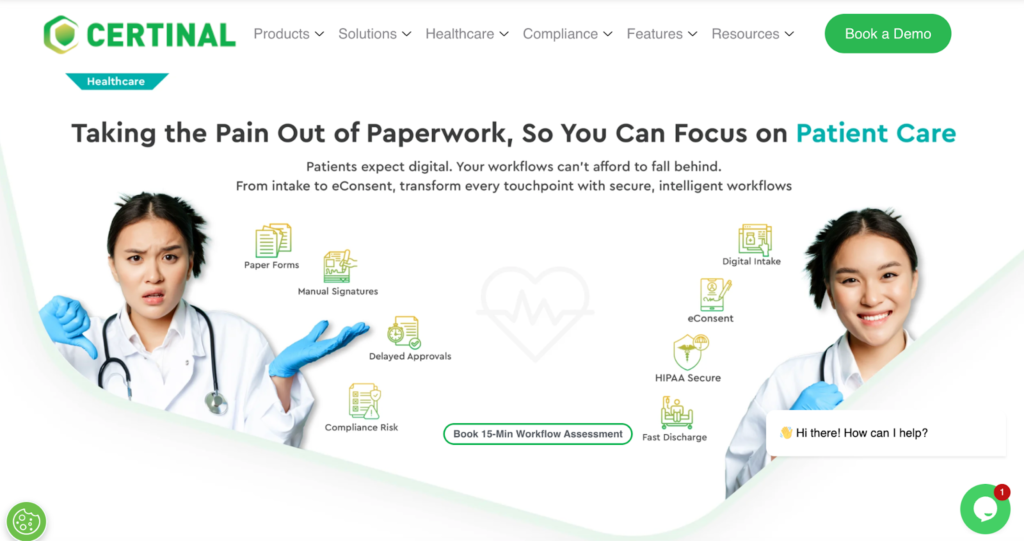
Certinal offers an AI-powered eSignature solution that helps busy teams review and sign documents faster. It’s smart technology automatically places signature fields and highlights key risks to improve accuracy.
The platform offers a detailed audit trail that logs every action, including notes, attachments, and timestamps. With strong compliance support and multiple authentication options, Certinal integrates smoothly with tools like Salesforce and features an easy drag-and-drop interface that speeds up the signing process.
7. OneSpan
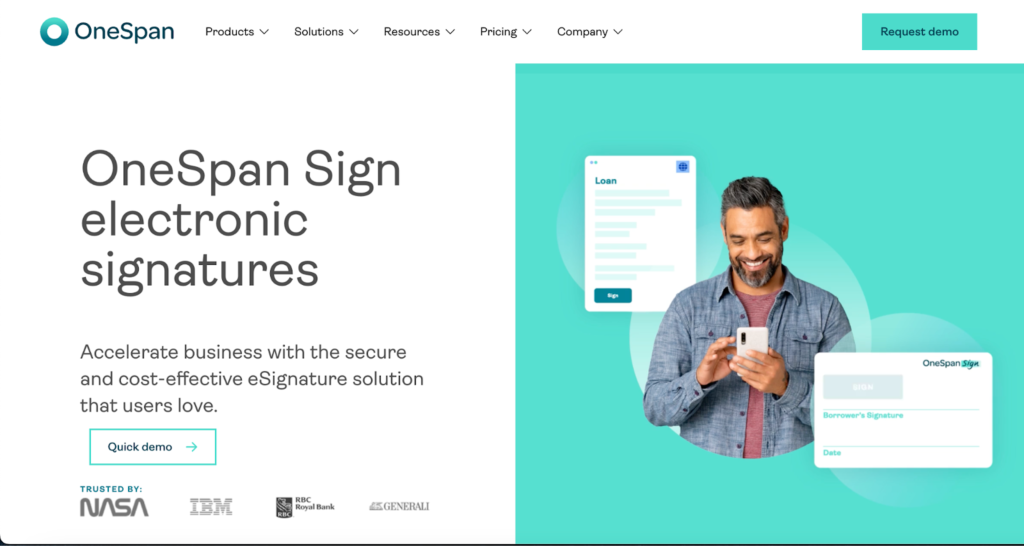
OneSpan delivers a secure eSignature solution that helps businesses speed up document signing with easy-to-use features and strong bank-grade security. The platform enables white-label branding, which helps build trust and has been shown to boost signature completion rates significantly. With smart forms, facial recognition for identity verification, and live notary services, OneSpan also supports automation. Trusted by companies like NASA and IBM, it provides easy API integration and transparent pricing backed by reliable support.
Feature comparison matrix
With numerous tools on the market claiming to offer the best digital signature experience, it’s easy to feel confused.
To make this process easier for you, we broke down each solution across the most relevant feature sets for business users today:
| Category | HyperVerge | Adobe Sign | DocuSign | Zoho Sign | BoldSign | Certinal | OneSpan |
| Core Functionality | Built for high-volume processes with fast ID verification and intelligent workflows | Works well for daily document signing inside the Microsoft and Adobe ecosystems | Strong support for contracts, bulk agreements, and sales documents | Great for Zoho users, covers most basic signing needs well | Good API-first tool for dev teams embedding signature flows | AI-backed with smart summaries, risk detection, and auto-field placement | Offers white-label signing, strong for form-heavy processes |
| Security & Liveness Detection | Provides liveness detection, facial match, and real-time ID verification | Covers 2FA, encryption, and audit trails, but no biometric support | Offers multi-layer protection, tamper-proof logs, and secure backups | Supports MFA and encryption but lacks biometric verification | Covers AES-256 encryption and SSO, no biometric or live verification | Includes tamper evidence, detailed logs, and digital certs like FIPS 186-4 | Uses selfie-based identity checks, ID proofing, and bank-grade protection |
| Integration Capabilities | Offers flexible APIs and SDKs for quick deployment into internal tools and CRMs | Integrates well with Microsoft, Salesforce, and Adobe tools | Connects with 400+ apps, from CRMs to HR tools and ERPs | Works best inside the Zoho suite, has limited outside integrations | Provides clean API docs, supports webhooks and major dev languages | Connects with Zycus, Salesforce, and other enterprise tools | Offers mobile SDKs, pre-built integrations for complex workflows |
| Compliance Certifications | Meets KYC, AML, and regional compliance needs for identity-heavy industries | Covers ESIGN, eIDAS, and UETA, and supports audit logging | Complies with GDPR, SOC 2, ISO 27001, eIDAS, and more | Supports GDPR, ESIGN, and UETA, decent for global basics | Meets GDPR, ESIGN, and UETA but lacks deep industry certifications | Certified with FIPS 186-4, ISO 9594-8, and regional data privacy laws | Built for regulated sectors, with strong support for industry-specific standards |
| Mobile Accessibility | Optimized for low-bandwidth regions with a mobile-first design and real-time verification | Works on mobile, but performs best within the Adobe product line | Offers a clean mobile UX with access to full signing features | Mobile app is solid but lacks full desktop feature parity | Mobile support is decent, but editing or custom flows can be limiting | Responsive mobile features with drag-and-drop fields and AI help | Supports mobile SDKs, responsive design, and remote use cases |
| Customer Support | Offers direct access to product teams, fast technical help, and setup support | Tiers vary; fast help is locked behind premium plans | Has live chat, phone, and email; better support with enterprise pricing | Includes forums, chat, and screen-share onboarding sessions | Free access to forums and developer support, even on lower plans | Allows expert consults, with a strong focus on use case guidance | Provides white-glove onboarding, team training, and setup assistance |
Pricing structure comparison
Finding the right pricing model can help you select an e‑signature tool that fits your budget and document volumes. Here’s a side‑by‑side look at how leading providers structure their costs:
| Provider | Entry‑Level Pricing | Free Tier/Limitations |
| HyperVerge | Available in Start, Grow & Enterprise: Custom pricing | Free trial/sandbox environment available, but full plan pricing is not public |
| Zoho Sign | Free: $0 Standard: $10/user/month (billed annually)Professional: $16/user/month (billed annually)Enterprise: $22/user/month (billed annually) | Free tier limited to 5 envelopes/month, core features only |
| DocuSign | Personal: £8/user/month (billed annually)Standard: £20/user/month (billed annually)Business Pro: £33/user/month (billed annually) | Entry plan limited to 5 envelopes/month (annual) |
| Adobe Sign | Acrobat Standard: $12.99/user/month (billed annually) Acrobat Pro: $19.99/user/month (billed annually) | No permanent free tier; 7‑day trial offered |
| BoldSign | Essentials: $0Growth: $5/user/month (billed annually)Business: $15/user/month (billed annually)Premium: $99/user/month (billed annually) | Free plan limited to one user and 25 signature requests/month |
| Certinal | Custom pricing | Free trial/ sandbox available for Proof‑of‑Concept |
| OneSpan Sign | Custom pricing | Free and entry pricing vary heavily by use case |
Industry Specific Applications and Use Cases
Here’s how different sectors use e-signatures in real-world scenarios with a focus on key requirements and typical use cases:
Banking, financial services, and insurance (BFSI)
In most cases, companies in BFSI set up API-based e-signature to support integrations with customer portals, onboarding systems, and loan origination tools. Since compliance rules change often, teams prefer e-signature pricing models, such as those offered by HyperVerge, that support regular updates and audit trails without any added cost.
In fact, the global e-signature market in BFSI held about 30.7% share in 2025 and will grow at a projected 28.9% CAGR.
Healthcare and pharmaceutical
In hospitals and pharmaceutical companies, the focus shifts to managing sensitive patient information, clinical trials, and regulatory records. Signed documents for patient intake, consent forms, prescription authorization,s and supplier contracts must link into electronic health records (EHRs).
Additionally, providers must comply with regulations like HIPAA and 21 CFR Part 11 while maintaining auditability and secure storage.
Legal services
Legal firms and corporate legal departments face high volumes of contracts, court filings, affidavits and client communications that demand signed documentation with a transparent chain of custody.
Here, the requirements include multi‑party signing, version control, enforceability in litigation and remote access for clients. Studies show that about 52 % of law practices in the U.S. had moved to digital signatures by 2026.
Small and medium businesses
Since many small teams operate with limited tech resources, platforms such as HyperVerge that offer simple interfaces, pre-built templates, drag-and-drop tools, and mobile access tend to work best. Integration with existing tools like Google Workspace or CRMs is also a significant factor.
For example, a startup with 5 employees might prefer a pay-per-user model, while a growing business may upgrade based on contract volume. Additionally, even smaller teams in regulated industries need basic compliance and strong customer support, making those features essential for long-term adoption.
Future Trends in E-Signature Technology and Pricing
E-signatures are becoming an everyday tool for teams, and the technology is evolving rapidly. Several trends point to the direction of the market:
Blockchain-based digital signatures
Blockchain technology provides immutable records that improve document integrity, especially in high-risk sectors. AI smart contracts can trigger automated actions, such as payments or updates, immediately upon agreement signing. Providers are shifting from flat per-document costs to usage-based models that reflect added value and auditability.
Advanced AI and biometric authentication
The next wave of e-signature platforms will integrate AI-powered fraud detection and multi-factor biometric verification, such as face scans or voice prints, into standard workflows. Liveness detection is increasingly expected in industries that handle sensitive data, while tiered pricing distinguishes standard signature plans from full identity assurance packages.
Integration with digital identity platforms
Platforms are linking e-signatures with government-backed IDs or cross-platform identity validation, simplifying workflows and improving verification. For instance, HyperVerge combines document and identity verification, biometrics, and fraud checks into tiered subscription plans suitable for startups and enterprise clients.
Regulatory considerations in India
India’s e-signature regulations demand strict legal and technical compliance. Under the Information Technology Act, 2000, digital signatures are legally valid if they meet the requirements of control, reliability, and auditability. Aadhaar eSign and Class 3 DSCs are both accepted, while the DPDP Act 2023 mandates consent, data limitation, and secure storage. Hence, solutions must provide identity verification and audit trails, and must exclude use for wills, property documents, or negotiable instruments.
| Achieve 100% DPDP compliance with HyperTrustCapture, manage and revoke consents easilyGet started today! |
Decision-Making Framework for Selecting the Right E-Signature Solution
Choosing the right e-signature solution requires clear thinking and practical steps. The process begins with understanding your organization’s unique needs, followed by pricing and implementation.
Here is a simple framework to help with your decision-making:
Needs assessment questionnaire
Start by assessing the volume of documents and signatures your organization handles. Consider how many users and departments will access the system, since this impacts licensing and features.
Check your current tools for integration requirements so the new solution fits smoothly into your workflow. Take compliance regulations seriously because meeting these rules protects your business. Finally, set clear budget constraints to avoid overspending while meeting essential needs.
Pricing model selection
Use a decision tree to match your organizational priorities with the right pricing model. Create a cost comparison calculator to see which options offer the best value over time.
Consider long-term versus short-term costs carefully, as what works now might not be effective later. Plan for scalability so the solution grows with your business and avoids costly replacements.
Implementation roadmap
Develop clear steps for selecting, deploying, and adopting the e-signature solution. Map out a timeline for deployment that includes testing and adjustments. Organize training sessions to help users quickly master the platform and avoid delays.
Finally, define success metrics such as faster approvals or fewer errors to measure how well the solution meets your goals.
Choosing the Best E-Signature Pricing Model for Your Business
By now, you must have a pretty clear idea of how different e-signature pricing models work and why picking the right one matters for your business. To recap:
- Large enterprise organizations often benefit from custom pricing and extensive features.
- Mid-market companies typically seek flexible plans that scale with their teams.
- Small businesses often opt for simple, budget-friendly solutions that still deliver quality results.
And if you only sign documents here and there, pay-as-you-go plans can save you from paying for stuff you don’t need. If sorting through all these options feels overwhelming, HyperVerge can help. Our Aadhar e-sign solution cuts down on downtime and handles signature checks smoothly, so you get a plan that fits your workflow without the stress.
Book a demo today to execute Aadhaar-based e-signature with 100% success rate!
FAQs
What are the main pricing models for e-signatures in 2026?
E-signature pricing models in 2026 include pay-per-use, subscription-based, and enterprise plans. Costs vary depending on features, user numbers, and integration options, all tailored to different business sizes and needs.
How much does DocuSign/Adobe Sign/Zoho Sign cost in 2025?
While DocuSign and Zoho Sign pricing start around $10–$30 per user monthly, Adobe Sign usually costs around $12.99 per user monthly, for its Acrobat Standard plan. Enterprise plans and add-ons raise costs depending on usage volume, regulatory needs, and the advanced features required by businesses.
Which e-signature solution is best for real estate?
Real estate teams prefer solutions that offer strong compliance support, easy usability, and seamless integration options. HyperVerge, DocuSign, and Adobe Sign top the list, offering secure workflows and industry-specific features for contracts and disclosures.
What is liveness detection in e-signatures?
Liveness detection verifies a signer’s real-time presence to prevent fraud. It uses facial recognition or biometric checks, adding an extra security layer in the e-signature authentication process.
How do AI and LLM enhance e-signature solutions?
AI and large language models improve document analysis, fraud detection, and user experience. They automate workflows, detect anomalies, and support smarter verification methods within e-signature platforms.
Are free e-signature solutions secure enough for business use?
Free e-signature tools may suit small tasks but often lack the advanced security, compliance, and support needed for business-critical or regulated documents, making paid solutions safer choices.
How can I calculate the ROI of implementing an e-signature solution?
Calculate ROI by comparing cost savings on printing, mailing, and storage with faster turnaround times and reduced errors.